Asset labels11 min read

Asset Labels: Materials, Sizes and QR Tracking for Australian Teams

Lachlan McRitchie

Lachlan McRitchie

GM of Operations

|Reviewed by Jarrod Milford
Published 4 June 2026

An asset label is a durable, scannable tag fixed to a piece of equipment so it can be identified, audited and tracked for its whole working life. A good asset label carries a unique code (usually a QR code or barcode), the owner organisation’s name or logo and often a return-if-found phone number, all printed on a material tough enough to survive the environment the asset works in. MapTrack asset labels are custom-printed on hard-laminated polycarbonate with a 3M industrial adhesive, sized for everything from hand tools to heavy plant, and each one links directly to the asset’s record in MapTrack so a field worker can scan it with a phone to check it out, log an inspection or report a fault. The label is the physical anchor; the tracking system is what turns a scan into useful information about where an asset is, who has it and what condition it is in.

Key takeaways

  • A QR asset label costs cents per unit, making it the cost-effective way to identify and track tools, plant and equipment that move between people and sites.
  • Material matters more than price. Hard-laminated polycarbonate with 3M adhesive survives UV, abrasion, fuel and pressure-washing on outdoor equipment for 5+ years.
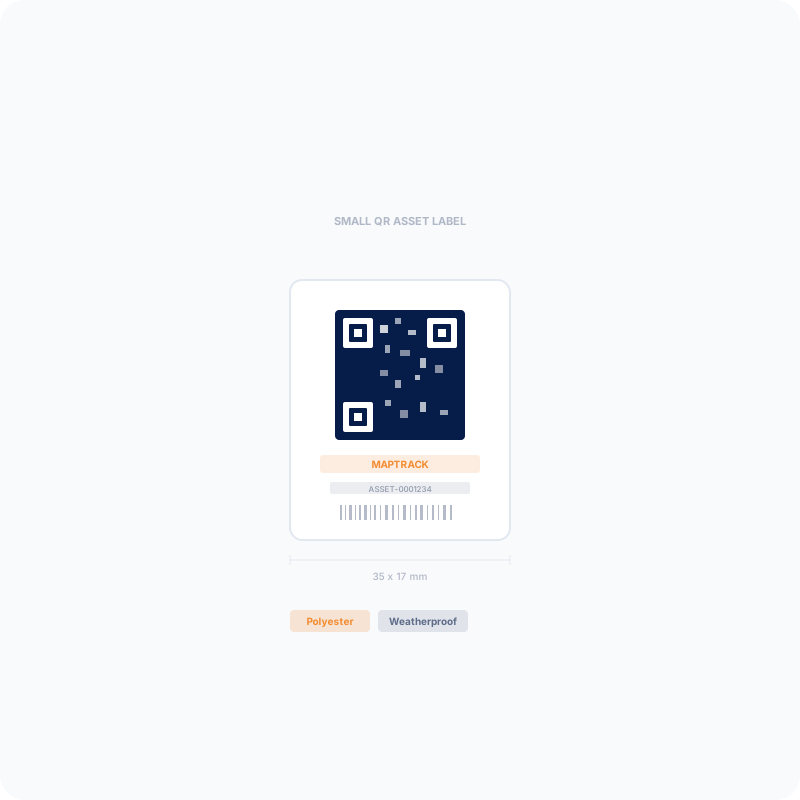
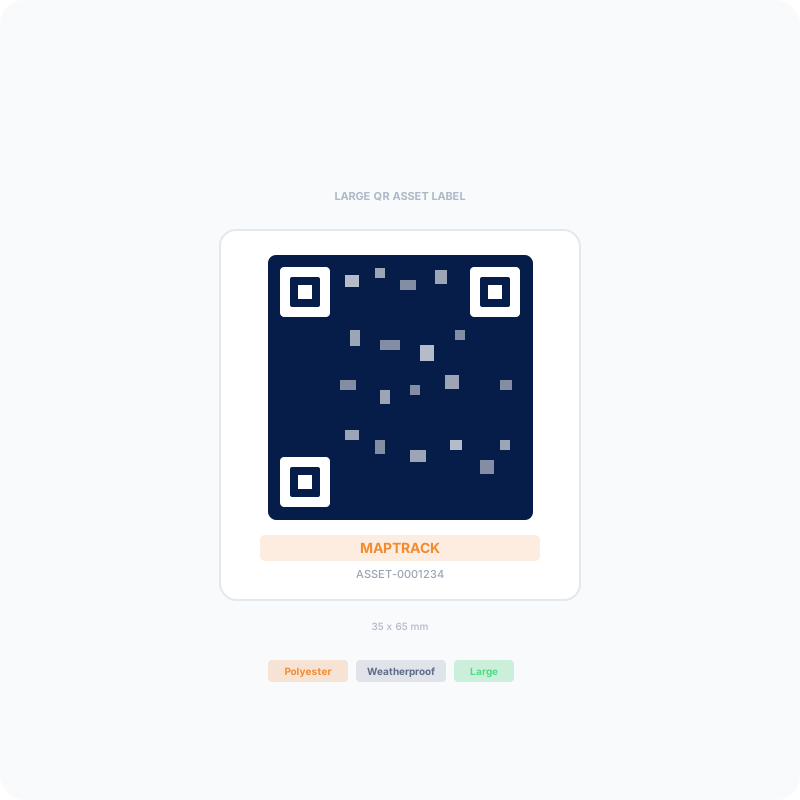
  • Size the label to the asset: a 35 x 17 mm label suits hand tools, while a 35 x 65 mm label stays scannable on excavators and containers from a safe distance.
  • A label is only worth printing if it links to something. MapTrack labels resolve to a live asset record, not a static text file, so a scan opens check-out, inspection and history.
  • For Australian sites, asset labels are how WHS plant-inspection and audit obligations get documented quickly in the field instead of on paper that gets lost.

What are asset labels and what do they do?

Asset labels are durable printed tags, usually carrying a QR code or barcode, that give each piece of equipment a unique identity. Scanning a label links the physical asset to its digital record so teams can find it, check it in and out, inspect it and see its full history.

Every organisation that owns tools, plant or equipment faces the same recurring questions. Which generator is on which site? Who took the laser level and never brought it back? When was that harness last inspected? Without a way to identify each item and look up its record, those questions get answered with phone calls, walk-arounds and guesswork. An asset label solves the first half of the problem by giving every item a permanent, scannable identity that anyone with a phone can read.

The label itself is simple: a unique code, the organisation’s branding and a contact number, printed on a material chosen to match the working environment. What makes it powerful is what the code points to. A MapTrack QR label resolves to that asset’s live record, so a scan does not just confirm the asset number, it opens the workflows that matter in the field: check the item out to a job, complete a pre-start inspection, log a fault or view the maintenance history. The label is the bridge between a physical object on a worksite and the system of record back in the office.

Asset labels are used across construction, mining, transport, facilities, healthcare and local government, anywhere an organisation needs to know what it owns and keep it accountable. They are the lowest-cost entry point into asset tracking because a label costs cents, sticks to almost anything and needs no battery, no SIM and no charging. For assets worth more than a few thousand dollars or assets that move off site, organisations often pair labels with GPS trackers, but the label remains the universal identifier that ties the whole register together.

Why asset labels matter for loss, compliance and audits

Labelled assets get lost less often, get inspected on time and are far faster to audit. A scannable label creates accountability at check-out, gives every item an inspection trail and turns a stocktake from a clipboard exercise into a walk-and-scan.

Loss and theft is the most visible cost of unlabelled equipment. Portable tools, generators and welding gear walk off sites every week, and without a record of who had what, there is no accountability and little hope of recovery. A label with a return phone number and an owner brand deters opportunistic theft and helps honest finders return gear, while the check-in and check-out record creates the accountability that stops tools quietly disappearing in the first place.

Compliance is the second driver, and in Australia it is often the decisive one. Work Health and Safety obligations require that plant and safety-critical equipment is inspected and maintained, and that the organisation can show it. A labelled asset with an inspection trail turns that obligation into a quick scan-and-complete on a phone, with a timestamped record attached to the exact item. Test-and-tag, height-safety gear, lifting equipment and pressure equipment all benefit from a label that links straight to the right checklist.

Audits are where labels pay back fastest. An unlabelled register is audited by walking the yard with a spreadsheet, matching serial numbers by eye and hoping nothing was missed. A labelled register is audited by walking the same yard and scanning each item, which updates its location and confirms it exists in seconds. Organisations that move to scan-based audits routinely cut stocktake time dramatically and end up with cleaner data, because every scan is a verified, dated event rather than a line typed from memory.

Asset label materials: what survives a worksite

The material decides how long a label lasts. MapTrack labels use hard-laminated polycarbonate with a 3M industrial adhesive, rated for 5+ years outdoors against UV, abrasion, fuel and chemicals. Paper and basic vinyl labels are cheaper but fail fast in the field.

A label is only as good as the surface it is printed on and the adhesive that holds it down. Office-grade paper or thin sticker stock works fine on a laptop in an air-conditioned room, but it tears, fades and peels within months on equipment exposed to sun, water, solvents and rough handling. The cost of re-labelling an asset after the tag fails, and the gap in tracking while it is unreadable, usually dwarfs the few cents saved on a cheaper material.

MapTrack labels are printed on hard-laminated polycarbonate: a tough synthetic with a clear protective laminate over the printed layer. That construction resists UV yellowing, scratching and abrasion, and shrugs off fuel, oil, solvents and high-pressure washing, which is why it carries a 5+ year outdoor rating. The 3M industrial adhesive bonds to metal, plastic, painted and powder-coated surfaces and holds through temperature swings and vibration. Surfaces should be clean and dry, and a quick wipe with isopropyl alcohol before applying gives the strongest bond.

Metal asset tags (anodised aluminium and stainless) and RFID tags exist for specialised cases: extreme heat, decades-long fixed-asset life or non-line-of-sight bulk scanning. MapTrack does not manufacture metal or RFID tags, so if your environment genuinely needs them we will say so rather than sell you the wrong product. For the large majority of tools, plant, vehicles and field equipment in Australian conditions, hard-laminated polycarbonate is the right balance of durability, scannability and cost. If you are unsure whether polycarbonate suits a specific harsh application, order a sample and verify it in a pilot before committing to volume.

Design your asset labels in seconds

Use the free MapTrack label designer to preview your logo and asset-ID format on the real label sizes, then order print-ready QR labels from 100 units.

  • No credit card required
  • 30 days free trial
  • Cancel anytime

Asset label sizes: which one for your assets?

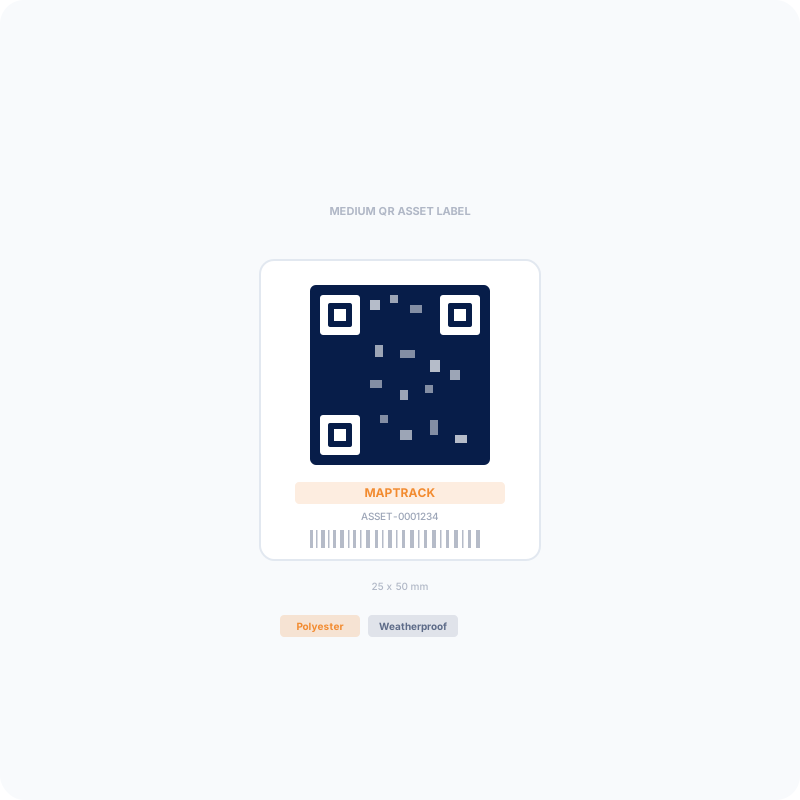
MapTrack labels come in three sizes. Match the label to the asset and the scan distance: small for hand tools and IT, medium for plant and fleet, large for heavy plant and containers that need to scan from further away.

The right size is a trade-off between the space available on the asset and the distance the label needs to be scanned from. A label that is too small for the asset is easy to miss and hard to scan from a safe standing position; a label that is too large wastes material and may not fit on a compact tool. As a rule, the bigger and further away the asset, the bigger the QR code needs to be so a phone camera can lock onto it quickly.

All three sizes carry the same construction, adhesive and 5+ year rating, so the choice is purely about fit and scan distance, not durability. Many organisations standardise on two sizes: a small label for the high-volume hand tools and IT fleet, and a larger label for plant and vehicles. Ordering is from 100 labels per size, with the per-label price dropping at the 300, 500, 1,000 and 2,000+ unit tiers.

MapTrack asset label sizes and typical uses
SizeDimensionsBest for
Small35 x 17 mmHand tools, power tools, IT assets, test-and-tag items
Medium25 x 50 mmPlant, machinery, fleet vehicles, larger power tools
Large35 x 65 mmExcavators, heavy plant, containers, assets scanned from a distance

QR codes vs barcodes on asset labels

QR codes are the better default for field asset tracking. They scan from any angle with a standard phone, hold more data, and keep working when partly scratched or dirty. Barcodes still suit warehouse scanning with dedicated 1D scanners.

A traditional 1D barcode (Code 128 or Code 39) encodes a short number and needs a line-of-sight scan, usually with a dedicated barcode scanner held square to the label. That works well in a warehouse with handheld scanners, but it is slow and fiddly for a field worker holding a phone in one hand and a tool in the other. QR codes are 2D, so they scan from any orientation with the camera app already on every phone, and they tolerate dirt, scratches and partial damage thanks to built-in error correction.

QR codes also carry far more than a number. A MapTrack QR code resolves to a unique web address for that specific asset, so a scan opens the live record rather than just reading out a digit string that then has to be looked up. That difference is what lets a scan jump straight into checking the asset out, completing an inspection or logging a fault, with no manual entry. For organisations standardising their asset identification today, QR is the format that matches how field teams actually work.

Custom branding: logo, colours and return details

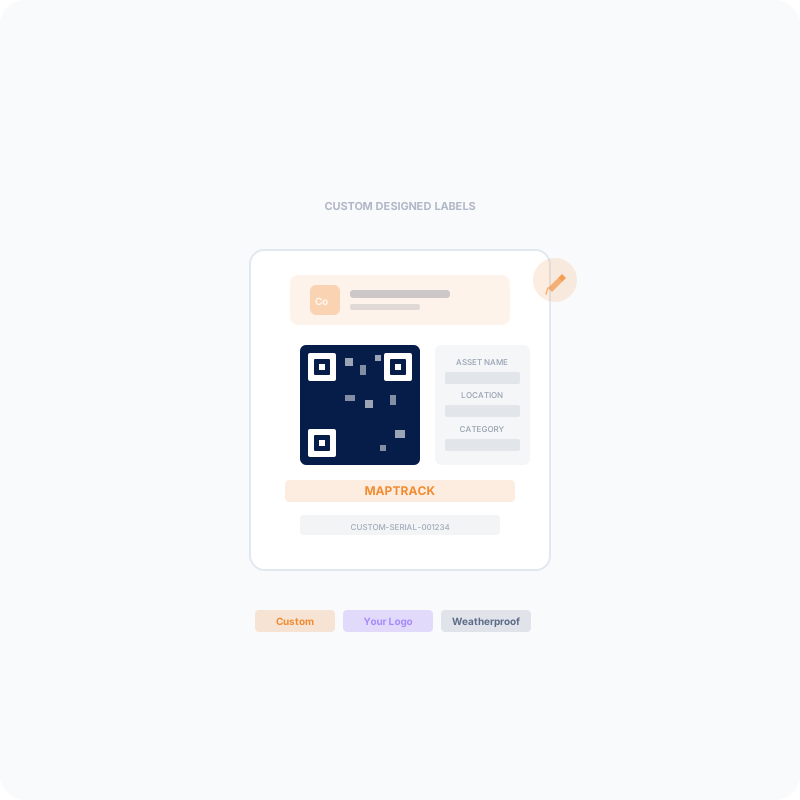
MapTrack labels are printed in full colour with your company logo, a return-if-found phone number and a unique asset code. Branding deters theft, speeds up returns and makes your equipment instantly identifiable on shared and multi-contractor sites.

A blank or generic label does a fraction of the job. Printing your logo and a return phone number turns every asset into a small piece of branded, traceable property: it tells anyone who finds it who owns it and how to return it, and it signals to opportunistic thieves that the item is tracked. On multi-contractor sites where identical tools from different crews end up in the same pile, a branded label is often the quickest way to sort whose gear is whose.

You can design your labels in seconds with the free MapTrack label designer, which previews your logo, colours and asset-ID format on the real label sizes and exports print-ready files. When you are happy with the design, the same details flow into a printed order. Upload a logo as PNG, JPG, SVG or WebP, choose the size, set your asset-ID prefix, and the labels arrive ready to apply and scan straight into your MapTrack account.

How asset labels link to MapTrack tracking

Each MapTrack label carries a unique QR code that resolves to that asset’s record in MapTrack. Scanning with a phone opens check-out, inspections, fault reporting and full history, so the label is the entry point to the whole tracking system, not just an ID number.

This is where MapTrack differs from buying labels alone. Plenty of suppliers will print you a durable tag with a QR code on it, but the code usually points at nothing more than a text string or a one-off generated page. A MapTrack label is provisioned against your account, so the moment it is scanned it opens the live record for that exact asset: its location, custodian, condition, documents and service history.

In practice that means a field worker scans the label on a generator and can immediately check it out to today’s job, complete the pre-start inspection, flag that the hour meter is due for a service, or photograph and report damage, all from a phone and all without returning to the office or filling in paper. Every one of those scans is recorded as a dated, attributed event, which is what builds the audit trail and the utilisation data over time.

Because the label is the universal identifier, it ties together everything else in the register. The same asset can also have a GPS tracker for live location or a Bluetooth beacon for indoor zones, but the QR label is what a person scans to interact with it. Start with labels on everything, then add hardware to the high-value or frequently-moved assets where continuous location is worth the extra cost.

Ordering asset labels: minimums, pricing and shipping

MapTrack labels are ordered from 100 units per size, with volume pricing that drops the per-label cost at higher quantities. Labels are custom-printed with your branding and shipped globally, and they arrive ready to scan into your MapTrack account.

Orders start at a minimum of 100 labels per size, which keeps custom printing economical while suiting everyone from a single crew labelling its tools to a multi-site operator rolling out thousands of tags. Per-label pricing steps down at the 300, 500, 1,000 and 2,000+ unit tiers, so larger rollouts get a lower unit cost. You can see current pricing and configure an order on the label store page.

Every order is custom-printed with your logo, return number and asset-ID format, then quality-checked and shipped. Shipping is available globally, which matters for organisations running sites across Australia, New Zealand and beyond. If you want to confirm the material, print quality and adhesion on your own equipment before a large order, request a sample and trial it on the surfaces and conditions your assets actually face.

Related definitions

Asset Tagging

Asset tagging is the process of attaching a unique physical identifier, such as a barcode label, QR code, RFID tag, NFC tag, or engraved metal plate, to a physical asset so it can be individually identified, tracked, and managed throughout its lifecycle. The tag links the physical item to its digital record in an asset management system, enabling workers to scan the tag with a mobile device to instantly access the asset's details, service history, location, compliance status, and assigned documents. Asset tagging is the foundational step in establishing an asset register and is a prerequisite for effective asset tracking, maintenance management, stocktaking, and compliance auditing. The choice of tag technology depends on the operating environment (indoor versus outdoor, extreme temperatures, chemical exposure), the required read range, the value and mobility of the asset, and the budget. A well-planned asset tagging programme defines a consistent numbering scheme, selects tag materials appropriate to each environment, and establishes placement standards so tags are visible and accessible for scanning without interfering with the operation or safety of the equipment.

See definition →

Barcode Label

A barcode label is a printed, adhesive-backed identifier that encodes data in a machine-readable pattern of parallel lines (1D barcode) or a matrix of squares (2D barcode, such as a QR code). In asset management, barcode labels are affixed to physical assets such as equipment, tools, vehicles, IT hardware, and furniture to provide a unique, scannable identifier that links the physical item to its digital record. When a worker scans the barcode with a mobile device, handheld scanner, or smartphone camera, the system retrieves the asset's details, service history, location, and compliance status. Barcode labels are the most widely deployed asset identification technology due to their low cost, ease of printing, and compatibility with virtually all asset management software. Label materials range from standard paper for indoor use to polyester, vinyl, and metal-backed options for outdoor and industrial environments. Labels can be printed on demand using thermal transfer printers or ordered pre-printed from label suppliers, and most asset management platforms include a label designer that generates print-ready artwork with the barcode, asset number, and organisation branding.

See definition →

QR Code Tracking

QR code tracking uses Quick Response (QR) codes affixed to assets that can be scanned with a standard smartphone camera to retrieve or update asset information. Each QR code links to a unique digital record containing the asset’s identity, location history, service records, and compliance status. QR codes are durable, inexpensive, and do not require specialised scanning hardware.

See definition →

FAQ

How long do MapTrack asset labels last outdoors?
MapTrack labels are hard-laminated polycarbonate with a 3M industrial adhesive and are rated for 5+ years outdoors. They resist UV fading, abrasion, fuel, oil, solvents and high-pressure washing. Life depends on the environment, so for extreme conditions request a sample and verify it in a pilot first.
What is the minimum order for asset labels?
The minimum is 100 labels per size. Per-label pricing drops at the 300, 500, 1,000 and 2,000+ unit tiers, so larger rollouts cost less per label. You can mix sizes across an order to suit different asset classes.
Can I print my company logo on the labels?
Yes. Labels are printed in full colour with your logo, a return-if-found phone number and a unique asset code. Upload your logo as PNG, JPG, SVG or WebP. You can preview the design on the real label sizes using the free MapTrack label designer before ordering.
Do the labels work with any QR scanner?
Yes. The QR codes scan with the standard camera app on any modern smartphone, with no special scanner or app required to read the code. Scanning a MapTrack label opens that asset’s record in MapTrack, where signed-in users can check it out, inspect it and view its history.
Are MapTrack labels metal or RFID?
No. MapTrack labels are custom QR labels on hard-laminated polycarbonate, which suits the large majority of tools, plant and field equipment. Metal tags and RFID exist for specialised cases such as extreme heat or non-line-of-sight bulk scanning. If your environment genuinely needs those, we will tell you rather than sell the wrong product.
What surfaces do the labels stick to?
The 3M industrial adhesive bonds to metal, plastic, painted and powder-coated surfaces and holds through vibration and temperature changes. For the strongest bond, make sure the surface is clean and dry and wipe it with isopropyl alcohol before applying. Very rough, oily or flexible surfaces are worth testing with a sample first.
How do asset labels connect to asset tracking software?
Each label carries a unique QR code provisioned against your MapTrack account. Scanning it opens the live asset record, so the label is the entry point to check-out, inspections, fault reporting and history. This is the difference between a label that just shows a number and one that links to a working tracking system.

Ready to track every asset?

Join construction, mining and field service teams across Australia.

G2 4.9 out of 5 stars4.9 on G2 · 4.9 on CapterraCapterra 4.9 out of 5 stars
  • No credit card required
  • 30 days free trial
  • Cancel anytime