

Before you start
- Applies to
- MapTrack web app
- Access
- Admin
- Connection
- Internet connection required to download the PDF
- Time
- A few minutes, plus printing
You'll need
- A published form in the workspace
- An admin login
- A printer, if the crew needs printed copies
Steps
Choose the right form
Open Forms and select the form your crew will use. Check it is the current version before you print copies.
Download the blank PDF
Open the form’s ⋮ menu and choose Download Paper form. The file is named after the form, and Completed by and Date are left blank for the person filling it in.
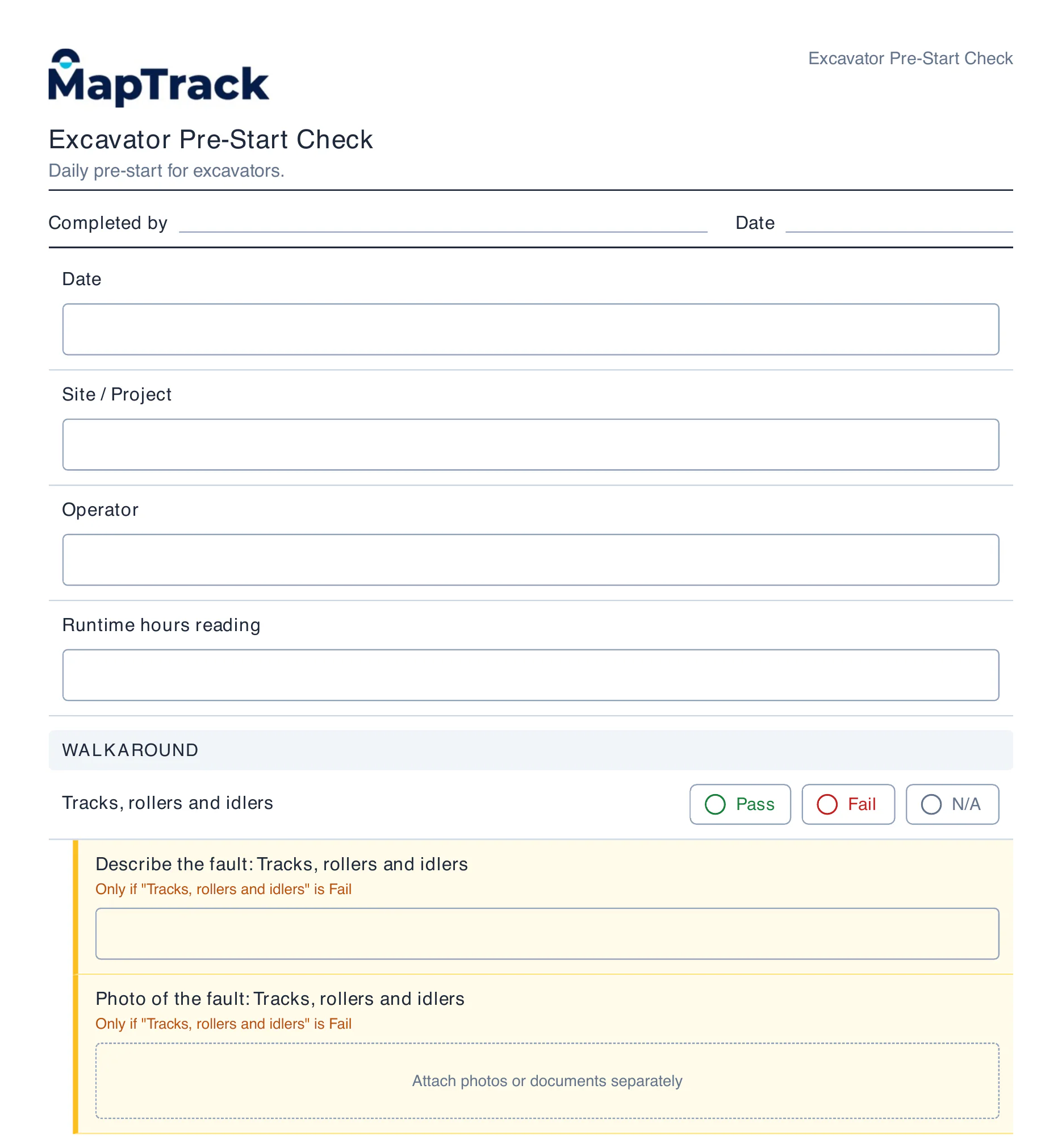
Print a blank form for paper back-up
Download Paper form gives a blank PDF named after the form. Completed by and Date are left empty, answers get boxes and choices, and a question that only applies after a Fail says so. Photo questions ask for the photos to be attached separately.
MapTrack blank form PDF · Demonstration data · Captured
About this screenshot
Downloaded from the form’s ⋮ menu by an admin. The PDF is US Letter; page 1 of 4 shown, cropped above the footer.
Check every page
Read each page: choices to tick, boxes for written answers, conditional questions marked Only if, photo fields that ask for photos to be attached separately and the signature box.
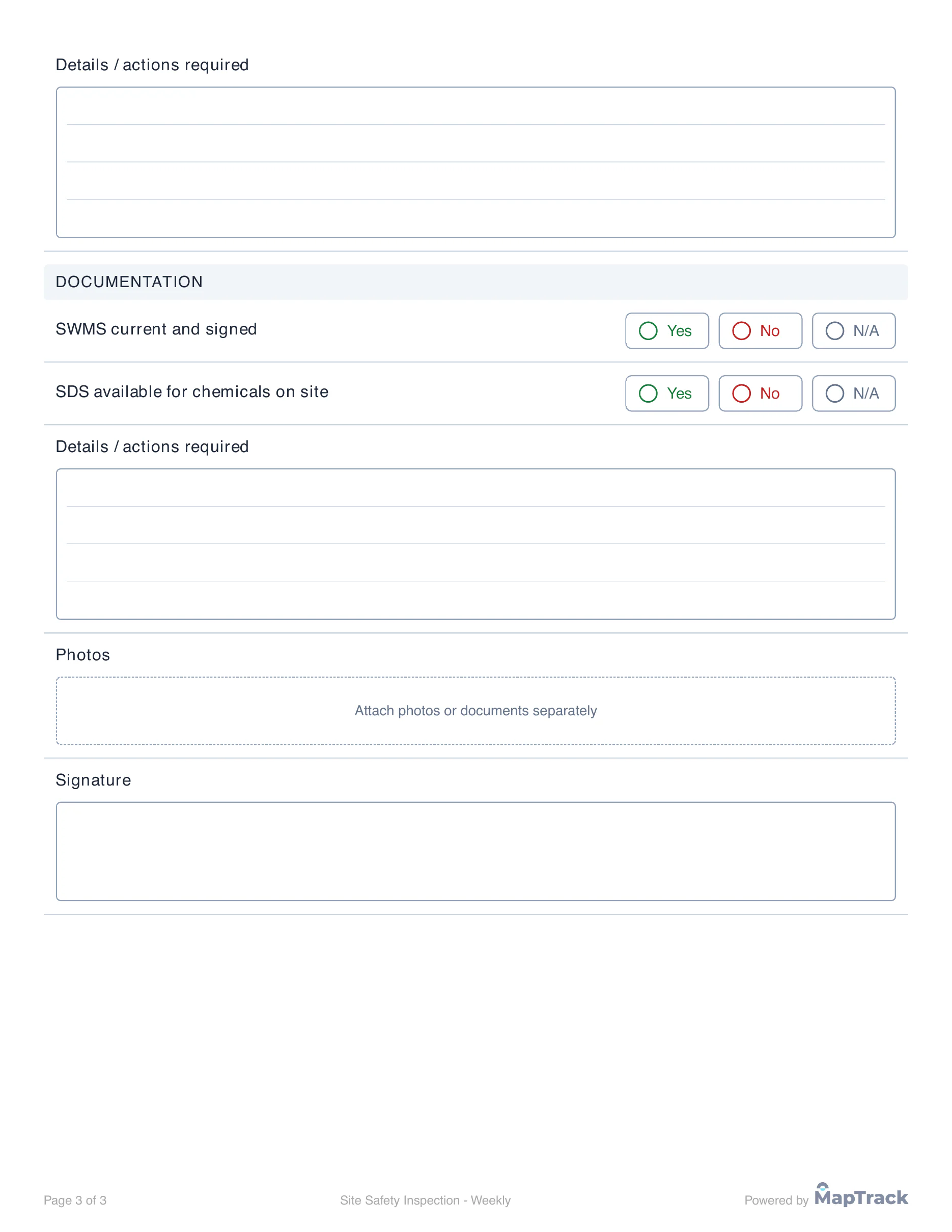
Check the last page before printing
The last page of a three-page inspection ends with a photos instruction and a signature box, clear of the footer. Paper cannot hide questions or check answers, so brief the crew on what each section needs.
MapTrack blank form PDF · Demonstration data · Captured
About this screenshot
Downloaded from the form’s ⋮ menu by an admin. US Letter, page 3 of 3.
Print a test copy
The PDF is laid out on US Letter paper. If you print on A4, choose fit to page, then print one copy and check it reads clearly.
Brief the crew and keep the record
Explain which questions only apply after certain answers and how to hand in photos. A paper copy is not a digital submission, so keep or attach the completed form the way your organisation requires.
What you should see
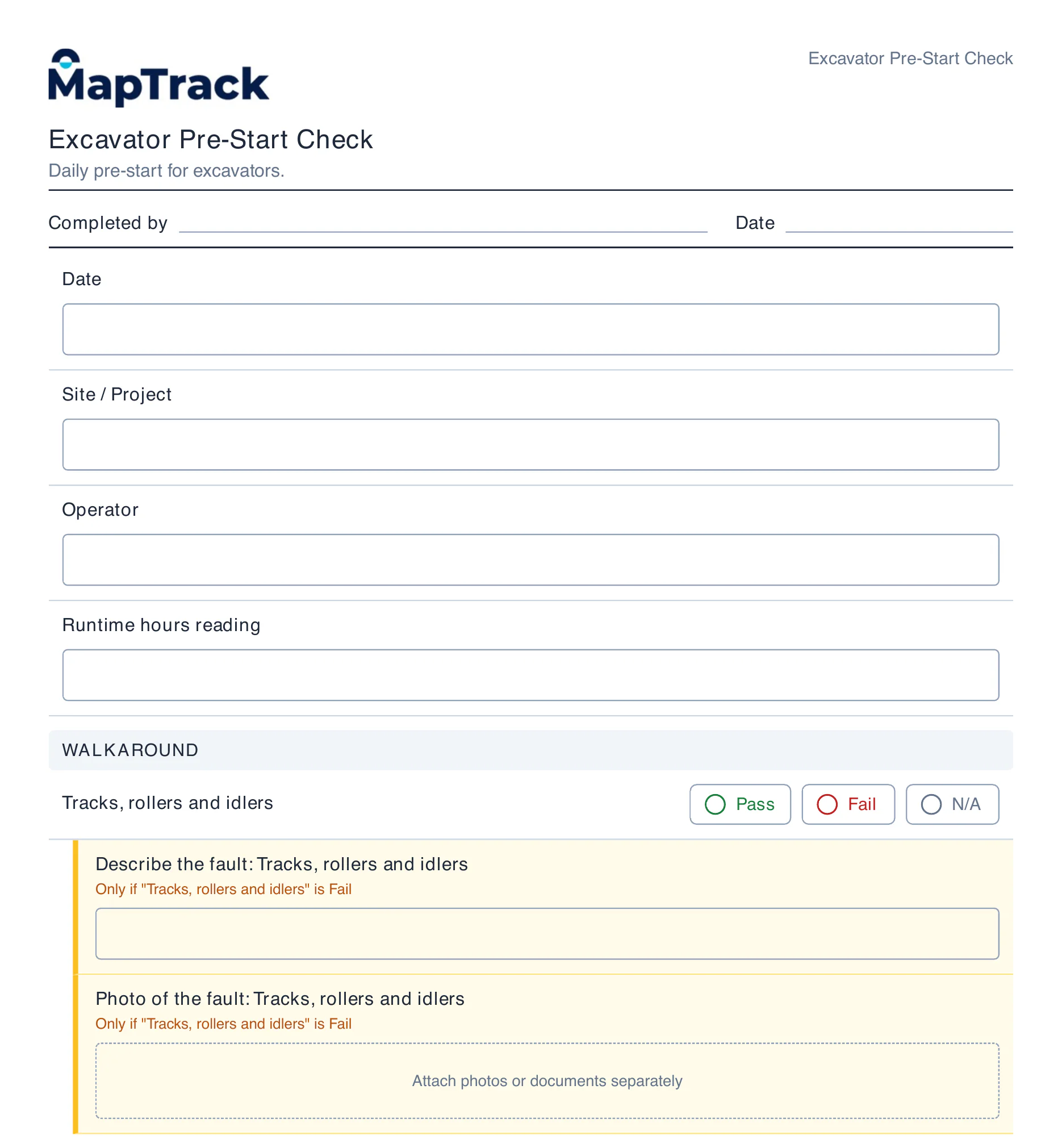
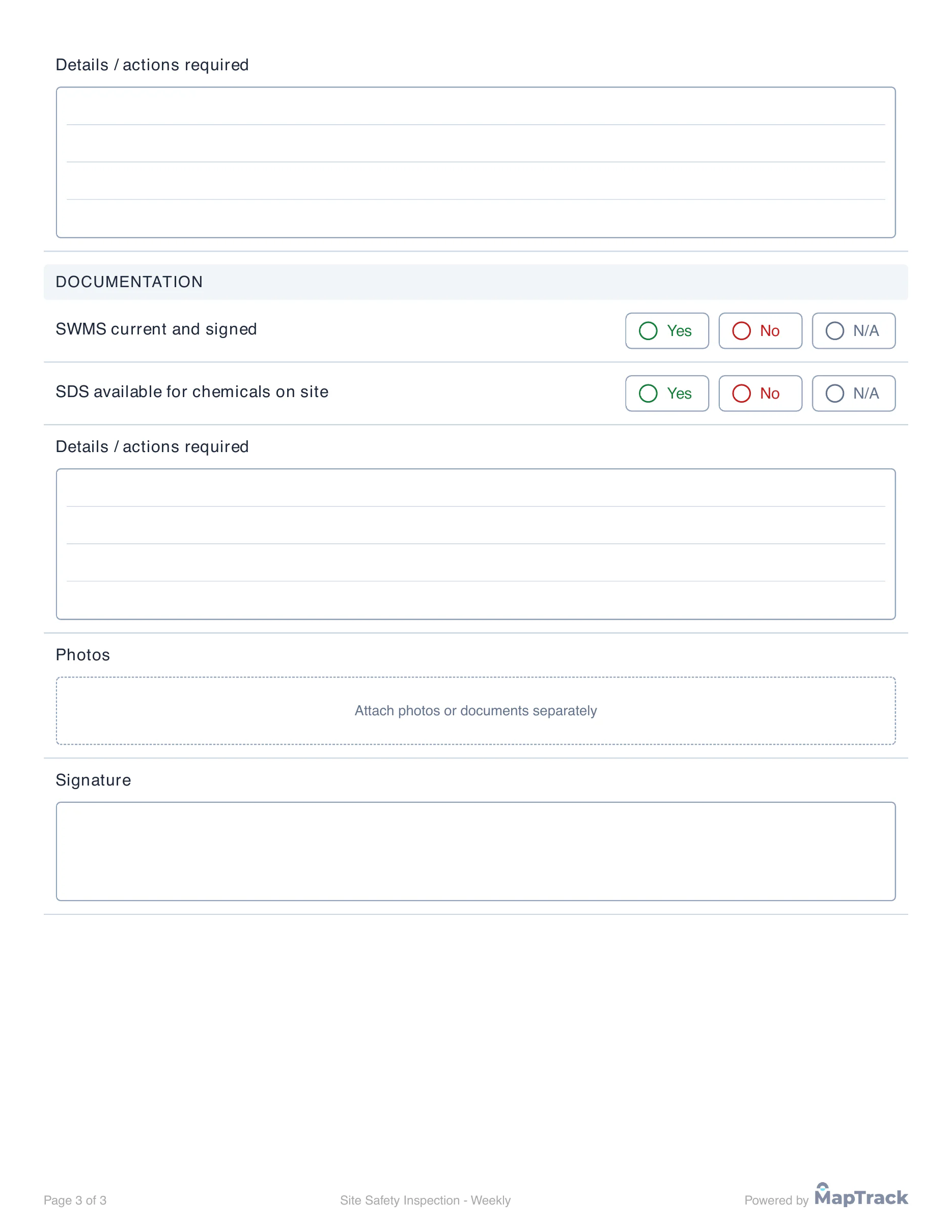
A blank PDF named after the form, with empty Completed by and Date lines and every question laid out for writing, ticking or signing.
Current limits
- Paper cannot hide questions, check answers or take photos. The crew follows the written conditions instead.
- The PDF uses US Letter paper.
- Printing a form does not create a submission or transcribe handwritten answers.
Troubleshooting
| What you see | Likely cause | What to do |
|---|---|---|
| What you seeDownload Paper form is missing | Likely causeYou are not signed in as an admin | What to doAsk an admin to download the form for you. |
| What you seeThe printout is cut off or too small | Likely causeThe PDF is US Letter and the printer uses A4 | What to doChoose fit to page in the print settings and print a test copy. |
Common questions
Still stuck?
Tell us the step you reached, what you expected and the exact message on screen. Remove customer, asset and personal details before sharing a screenshot.